BIM Workflow Templates
Free automation templates for architects and engineers. Pick one, hit Run, and see results in seconds.
Brief → Video Walkthrough
Upload a detailed brief (PDF, DOCX, or TXT) → extract text → produce an ultra-realistic cinematic 3D walkthrough video — 5s exterior + 10s interior.
Floor Plan → Render + Video Walkthrough
Upload a 2D floor plan → GPT-4o reads every room → AI renders photorealistic exterior & interior → Kling animates the render into a cinematic video. Each AI does what it's best at.
IFC Model → BOQ Cost Estimate
Upload an IFC model file → AI-powered market price research → real geometry-based quantity takeoff → IS 1200 cost estimation with live regional pricing → downloadable BOQ spreadsheet with M/L/E breakdown.
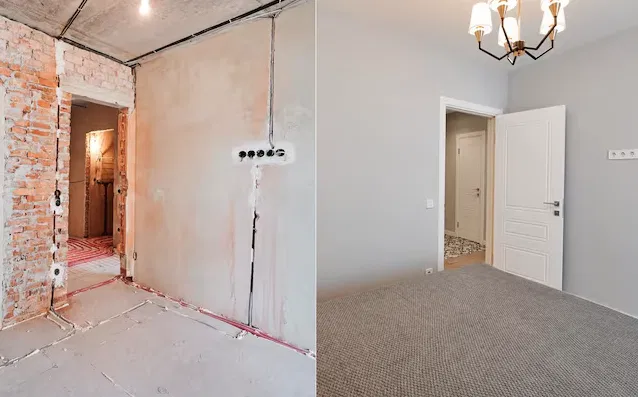
Building Photo → Renovation Video
Upload building photos → GPT-4o analyzes architecture, materials & style → Kling 3.0 produces a cinematic 15s renovation video showing the building transformed with new life — modernized facades, contemporary extensions, premium finishes, and lush landscaping. Works with old facade photos (renovation) or new building photos (polished upgrade).
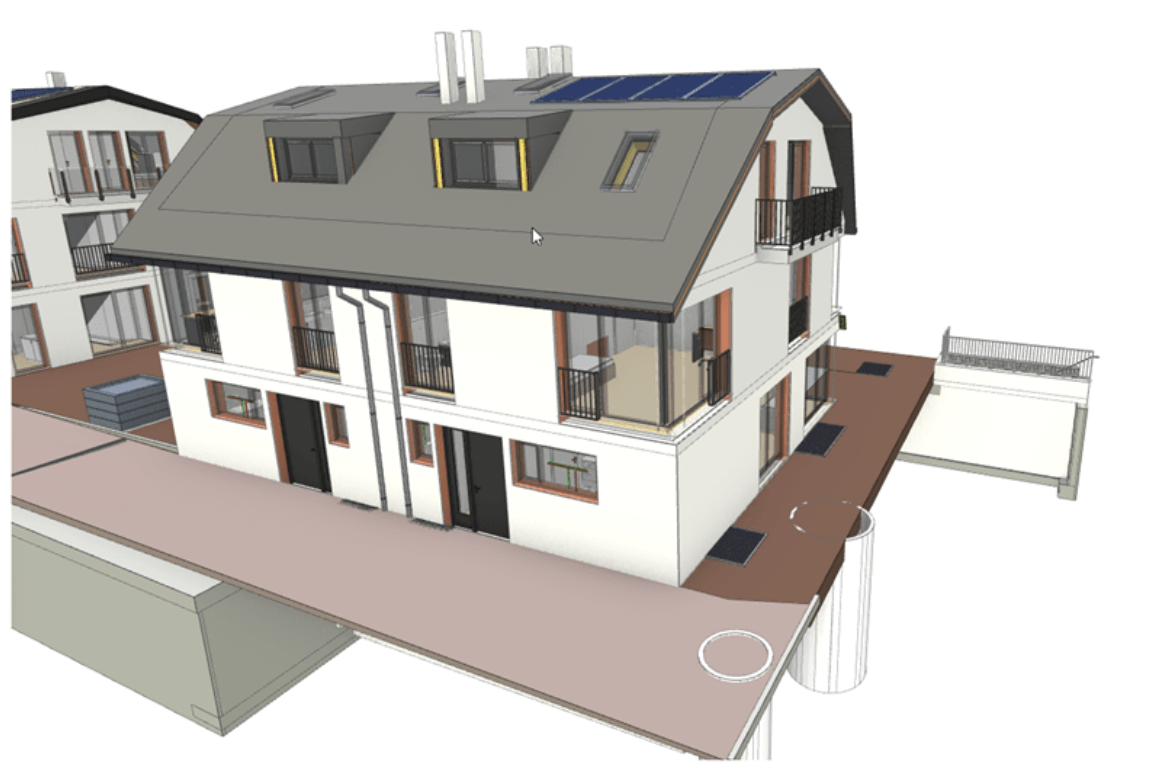
Revit (via IFC) / DWG / DXF → IFC
Upload a CAD drawing and get an accurate, IDS-validated IFC model. DWG and DXF convert directly; for Revit, export to IFC first and drop the .ifc here. Powered by the BuildFlow v2 engine (APS/ODA conversion → BuildingModel → IFC builder → IDS validation).